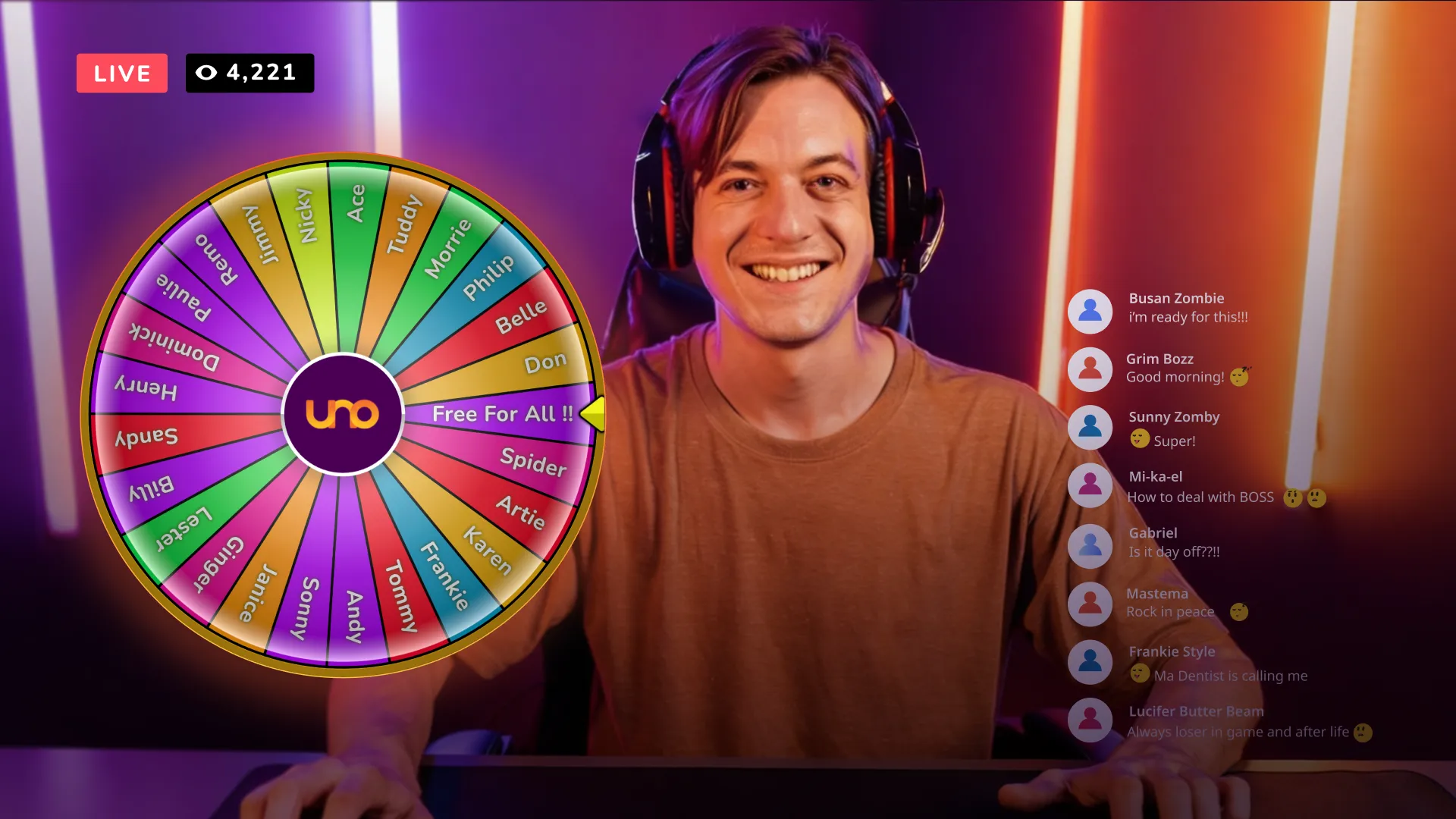
Fully customizable, real-time interactive wheel to your streams with just a few clicks
We have just released a major update to our library: the Spin the Wheel overlay!
In the world of live streaming, engagement is the currency of success. Whether you are a Twitch gamer, a YouTube talk show host, or a professional presenter, keeping your audience active and involved is the ultimate goal. We have just released a major update to our library: the Spin the Wheel overlay.
This new tool allows creators to add a fully customizable, real-time interactive wheel to their streams with just a few clicks. Here is everything you need to know about this game-changing feature.
What is the "Spin the Wheel" Overlay?
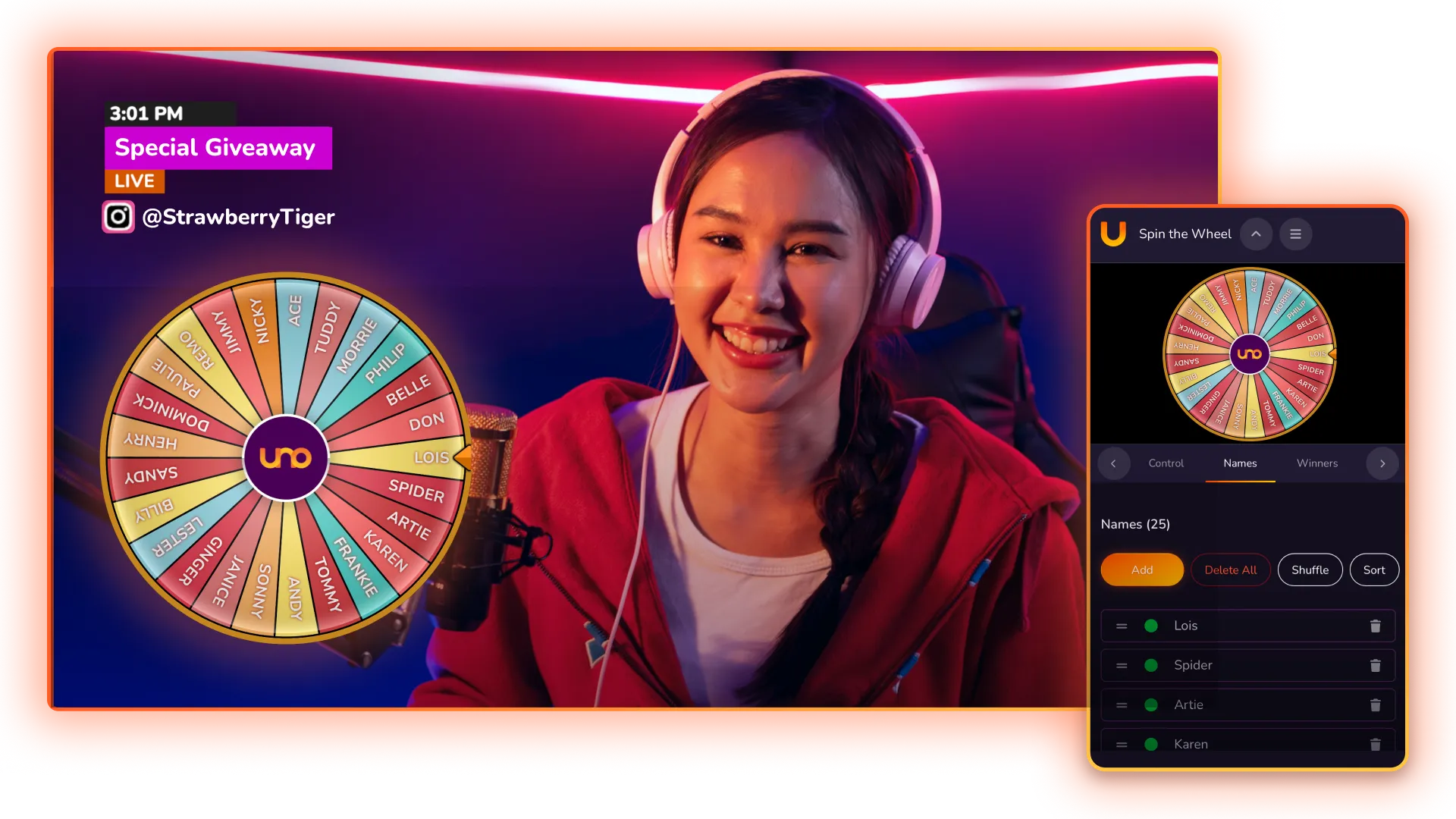
The "Spin the Wheel" widget is a web-based overlay that you can add to any streaming software (like OBS, vMix, or Ecamm Live) as a browser source. It mimics a physical prize wheel, allowing streamers to input custom text, rewards, or challenges that can be triggered live on air.
Key Features
Real-Time Control: Unlike static animations, the wheel is controlled via the Overlays.uno dashboard. You can trigger the spin manually or integrate it with your workflow.
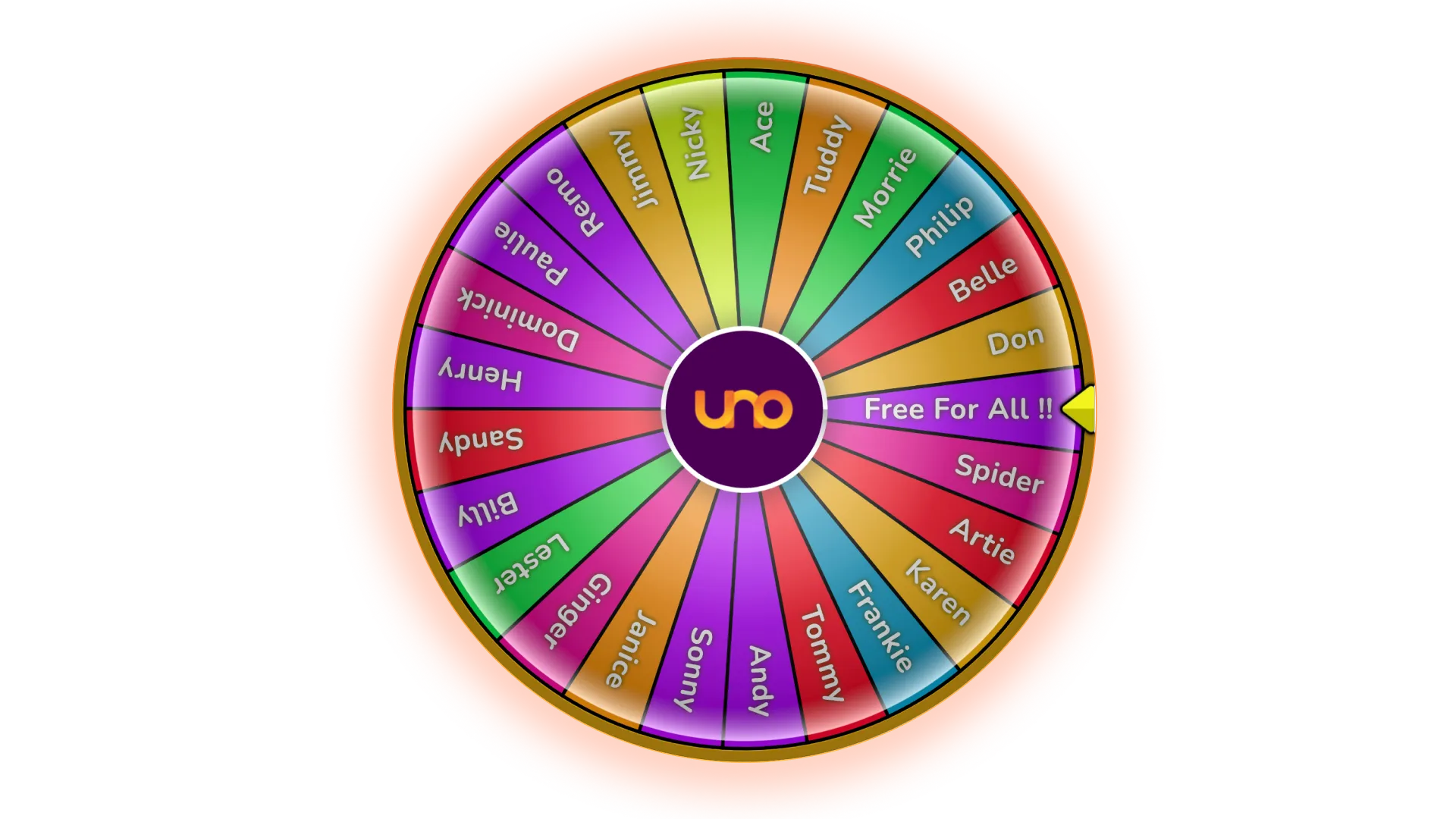
Full Customization: You can edit the number of slices, the text on each slice, and the color palette to match your personal branding or specific stream theme.
Dynamic Outcomes: The wheel features smooth, physics-based animation, ensuring every spin feels authentic and builds genuine suspense for the viewers.
Browser-Based Simplicity: No heavy plugins or software installs are required. You simply copy a URL into your streaming software and you are ready to go.
Creative Ways to Use It
The versatility of the "Spin the Wheel" overlay makes it perfect for various niches:
Sub Rewards: Let the wheel decide what a new subscriber wins (e.g., a shoutout, a follow-back, or a specific emote).
Gaming Challenges: Let the audience choose your next weapon, character, or "dare" in a game like Elden Ring or Valorant.
Giveaways: Use it to randomly select winners or prize tiers during a live event.
Mobile Control: You can use a specific "Control URL" to manage the wheel from a second monitor, phone, or tablet, ensuring your main screen stays dedicated to your game or content. Fill the wheel with topics or viewer questions to keep your "Just Chatting" segments unpredictable.
Total Visual Control
The app allows you to move beyond the standard "prize wheel" look with several built-in themes and styling options:
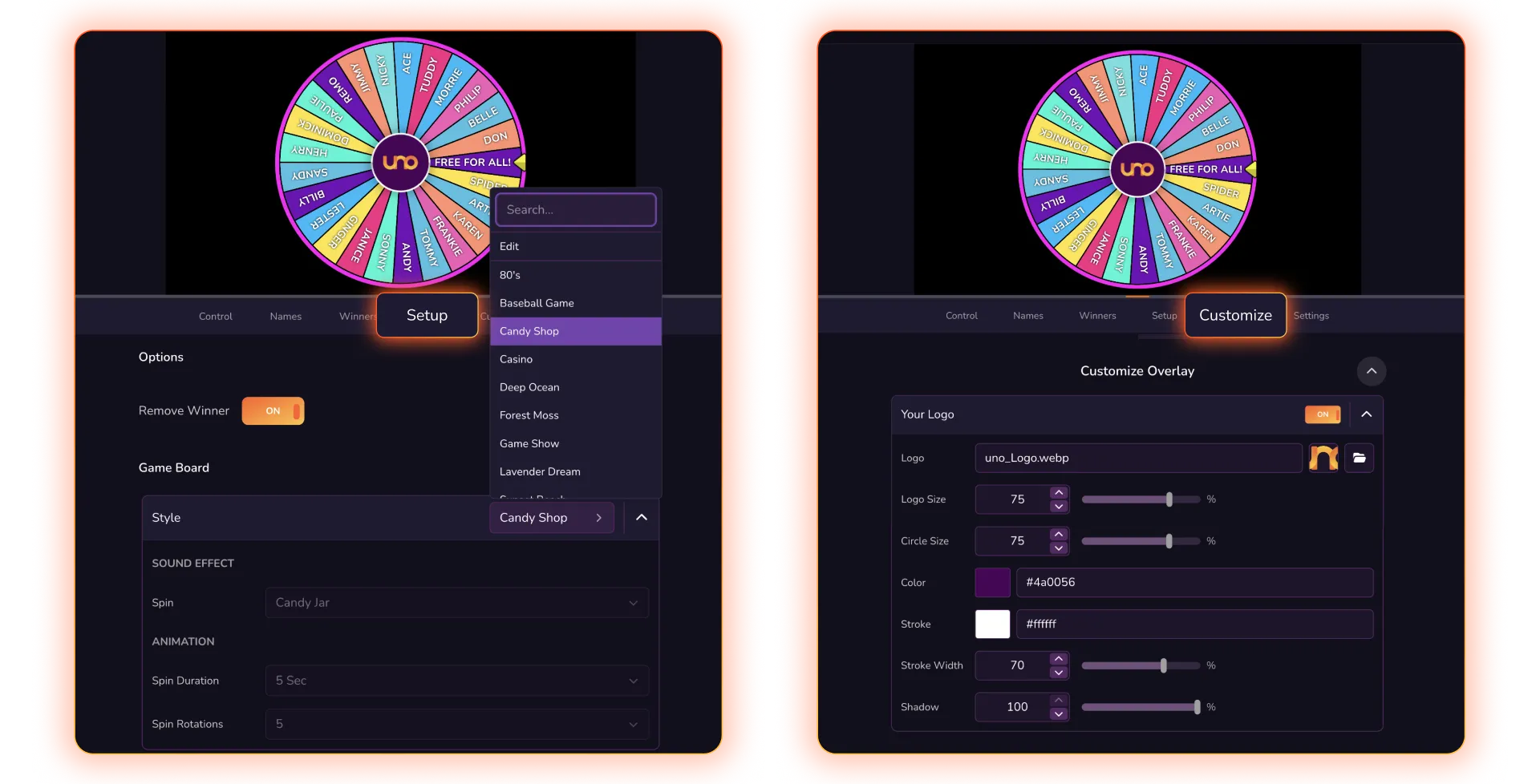
Themed Presets: You can instantly change the entire aesthetic of the wheel using presets like "80s Vibe," "Baseball Game," "Candy Shop," or the classic "Game Show".
Branding & Logos: A central hub on the wheel allows you to toggle a custom logo on or off, ensuring your brand or the Overlays.uno logo is front and center during the spin.
Dynamic Sizing: You can adjust text sizes and the overall scale of the wheel to fit perfectly within your stream layout, whether it's a full-screen event or a small corner widget.
Deep Content Customization
Managing what's actually on the wheel is designed for speed and flexibility:
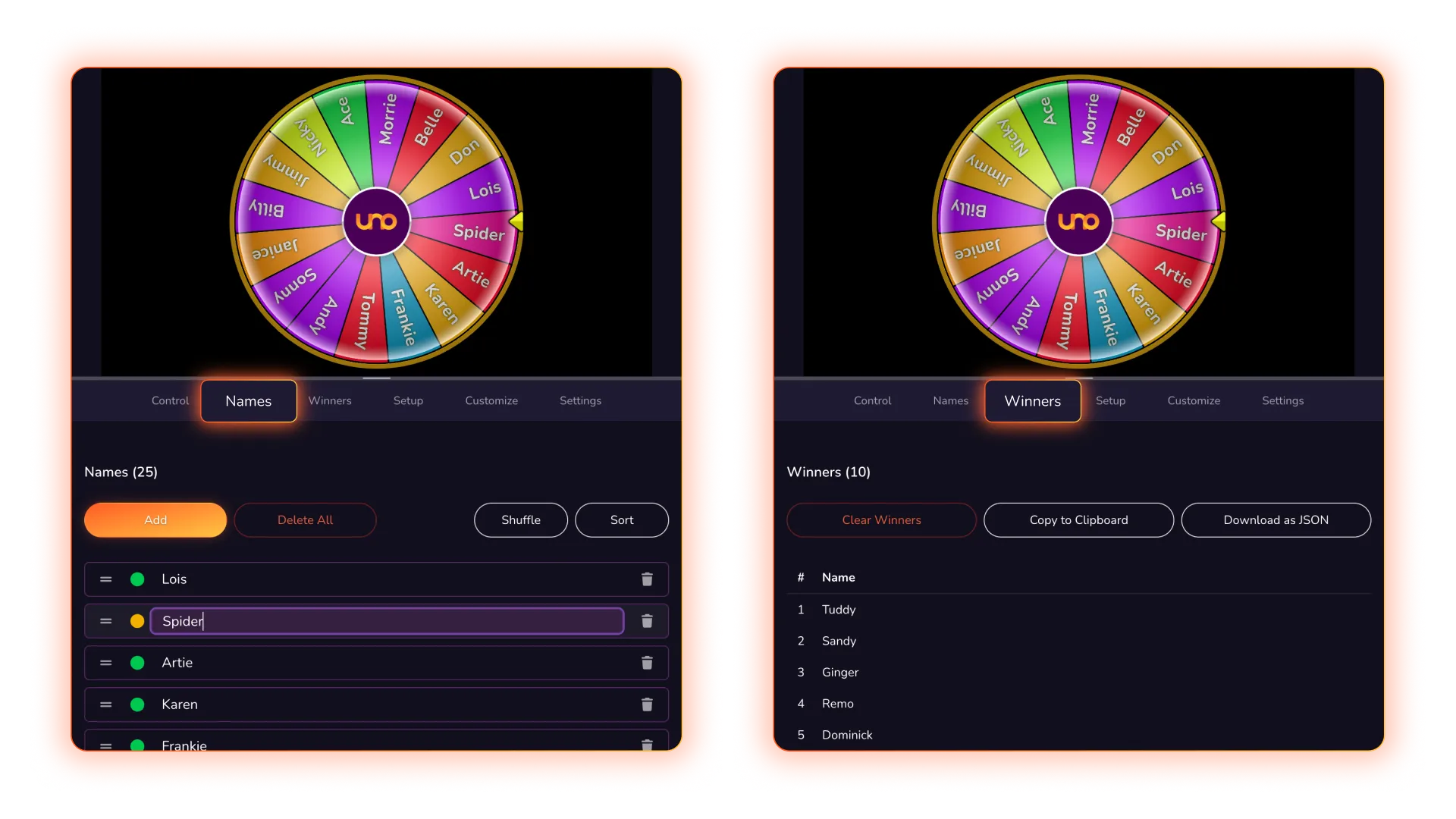
Manual Name Entry: You can easily add, edit, or remove specific names or items (like raffle entries or "dares") directly in the content tab.
Rules for Winners: A key functional feature is the ability to decide if winners are removed from the wheel after a spin or if they remain eligible for subsequent draws.
Winner Tracking: The app maintains a running "Winners List" in the background, allowing you to keep track of previous results so you know exactly who won what during a long session.
Advanced Spin Mechanics
The app offers different ways to trigger the wheel to suit your production style:
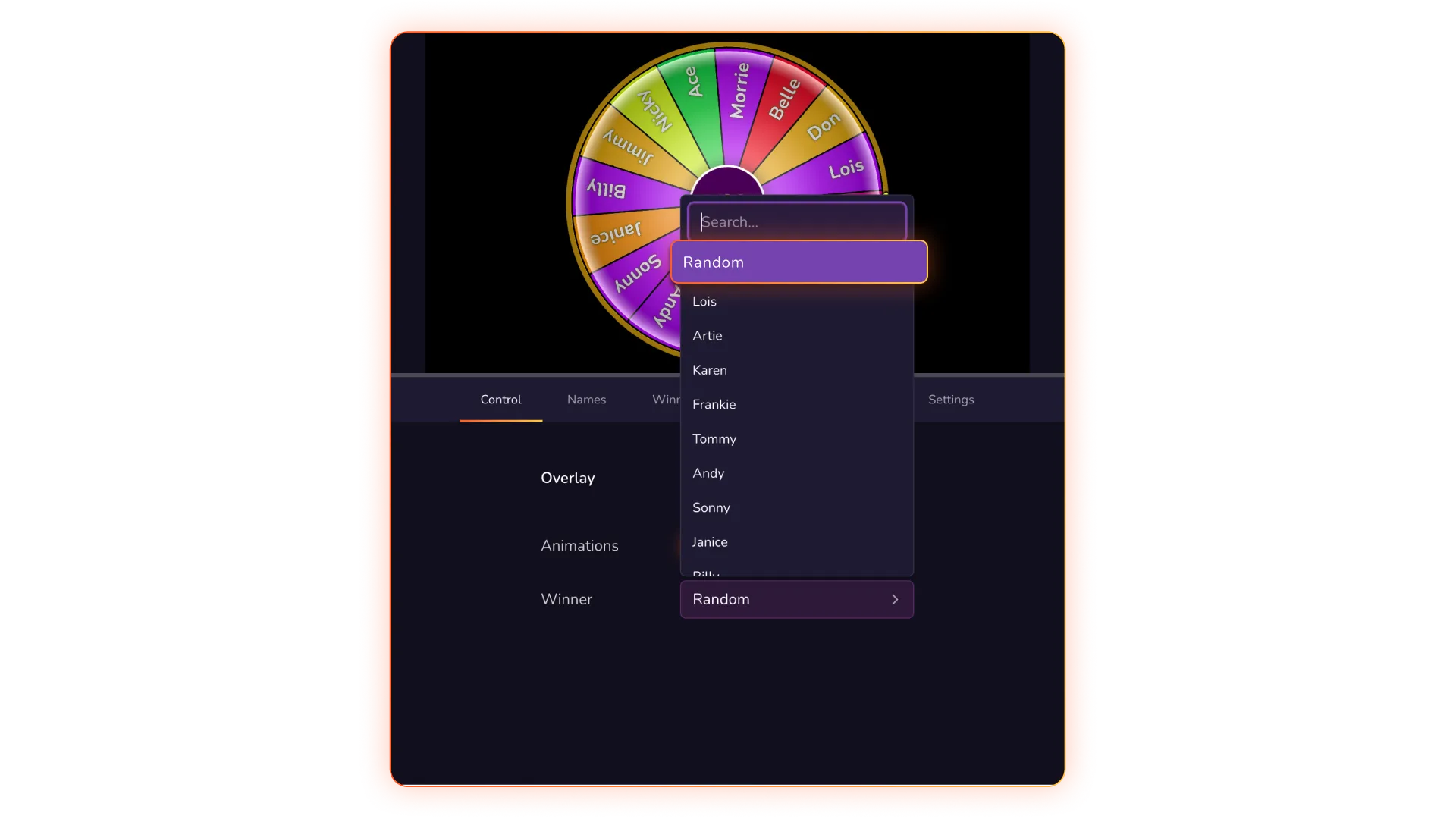
Selection Logic: You can set the wheel to pick a winner at random for true chance-based giveaways, or you can manually select a winner if the draw is for a specific event or person.
Idle Animations: When not in active use, you can run an idle animation to keep the wheel moving subtly on screen, maintaining visual interest without a full spin.
Integrated Sound Effects: Each spin comes with built-in sound effects to build suspense and excitement for the audience.
External Control Integration
One of the most powerful customization features is how you control the wheel during a live broadcast:
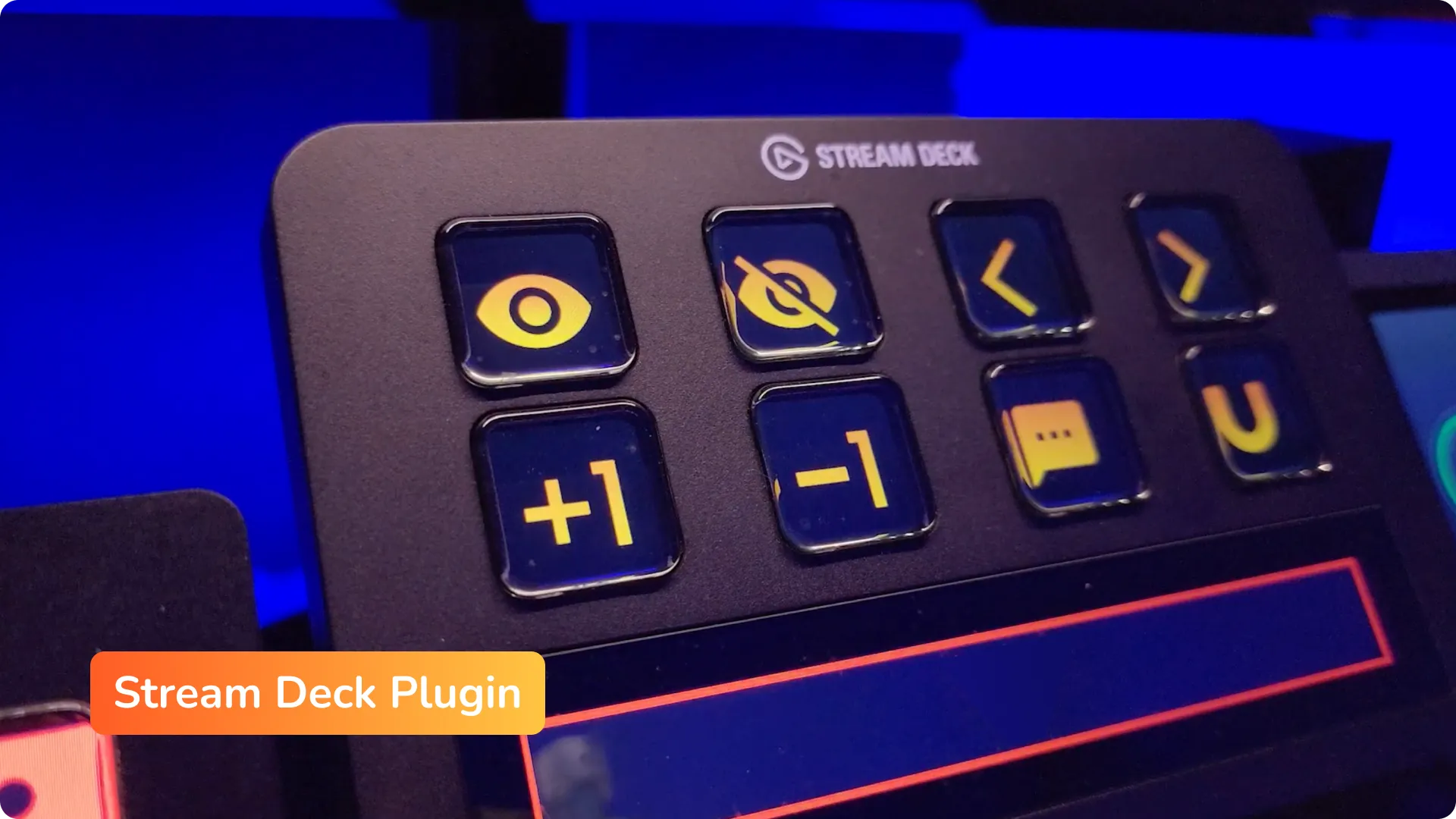
Stream Deck Plugin: Overlays.uno offers a dedicated Stream Deck plugin. This allows you to map "Spin," "Reset," or even "Add Win/Loss" functions to physical buttons on your Elgato Stream Deck.
Mobile Control: You can use a specific "Control URL" to manage the wheel from a second monitor, phone, or tablet, ensuring your main screen stays dedicated to your game or content.