
Recursos
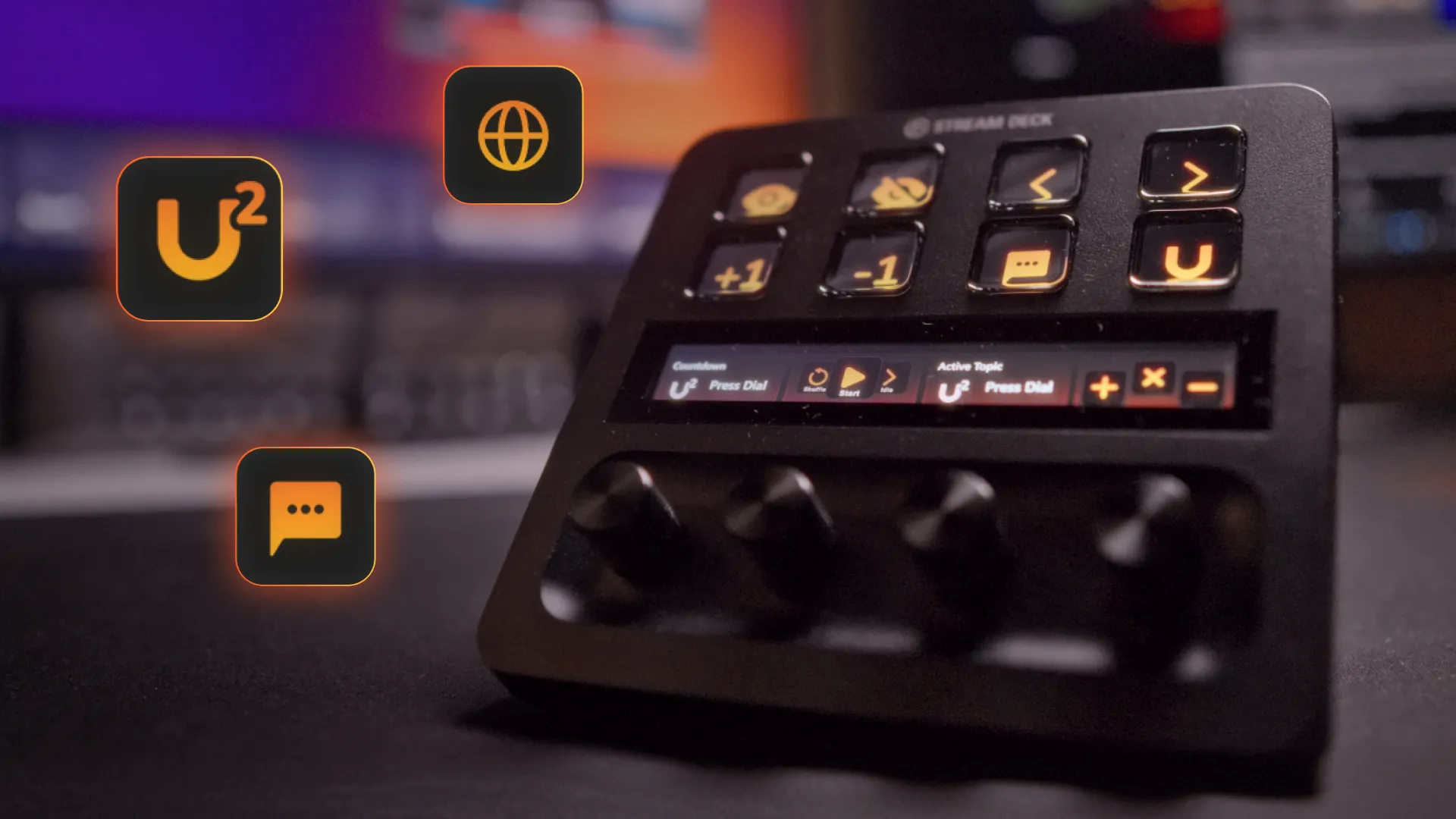
In the world of live streaming, speed and precision are everything. We recently leveled up our game with the release of the Stream Deck Plugin v2, specifically designed to take advantage of the hardware dials on the Stream Deck + and Stream Deck + XL.
Whether you are managing a basketball scoreboard, a high-stakes countdown, or interactive "Spin the Wheel" games, this update streamlines your workflow.
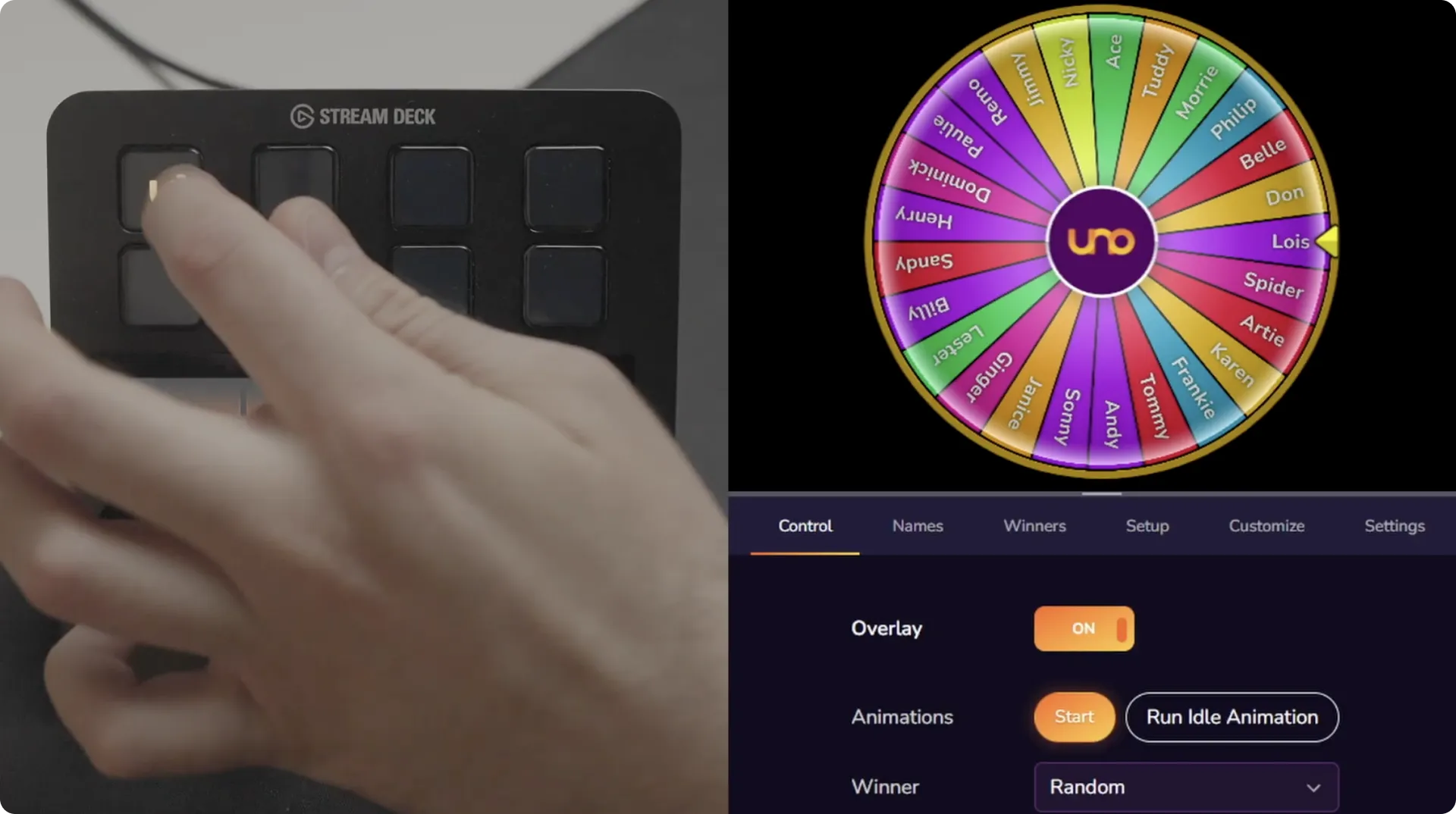
The standout feature of version 2 is the full integration of dials. While the original plugin relied solely on button presses, version 2 introduces a more efficient way to manage numerical values and cycling actions.
The new Uno Dial button is designed to be "API friendly." Here is the standard workflow for using it:


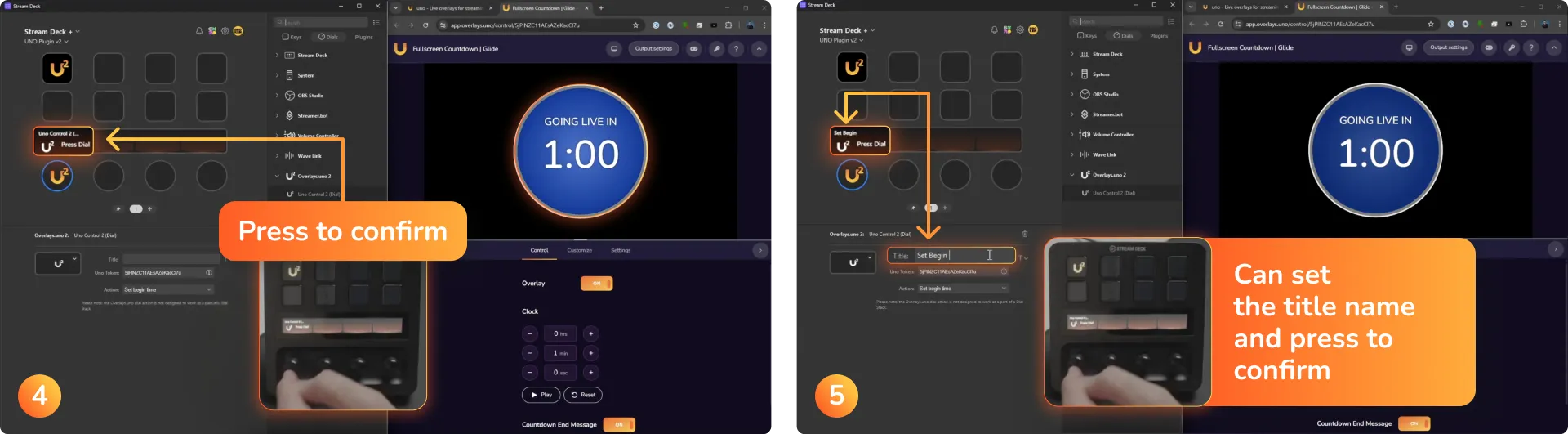

Why this matters: Traditional buttons require an API call for every single increment (e.g., clicking 60 times for a 1-minute timer). The dial allows you to select the final number first, saving your daily API limit—especially helpful for free users who have a 10,000-call daily cap.
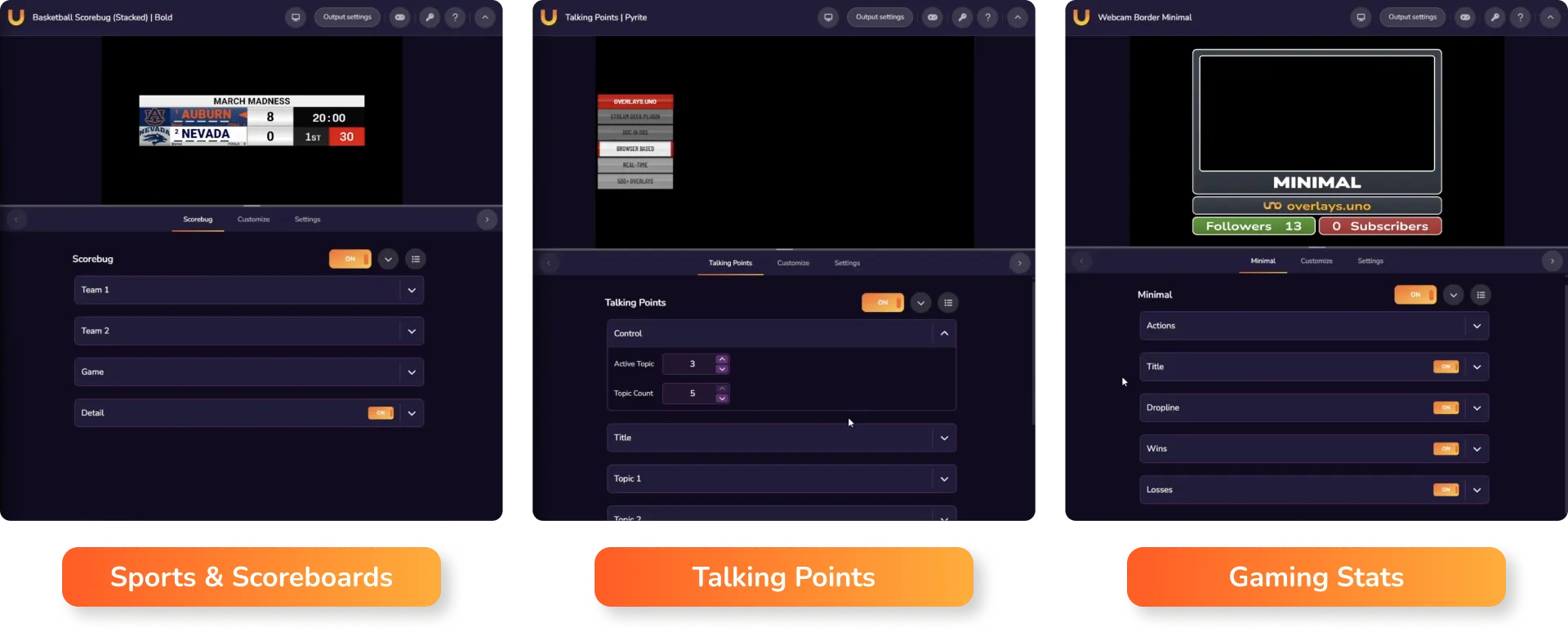
The plugin v2 isn't just a technical update; it opens up creative possibilities for various stream types:
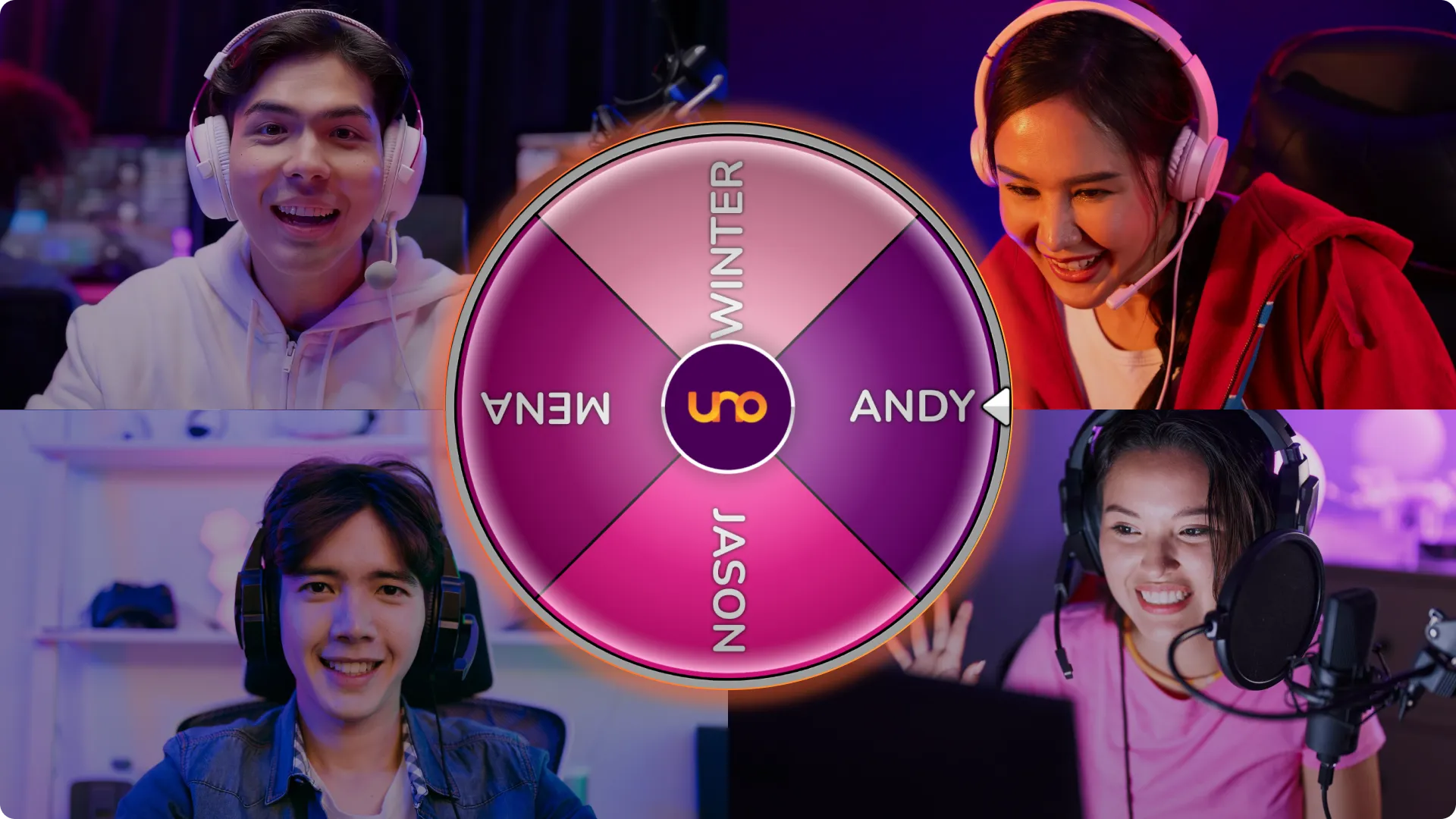
Beyond the specific Uno Dial button, the plugin supports native Stream Deck features:
Note: The plugin is not currently designed to work within a "Dial Stack" due to conflicting click commands.
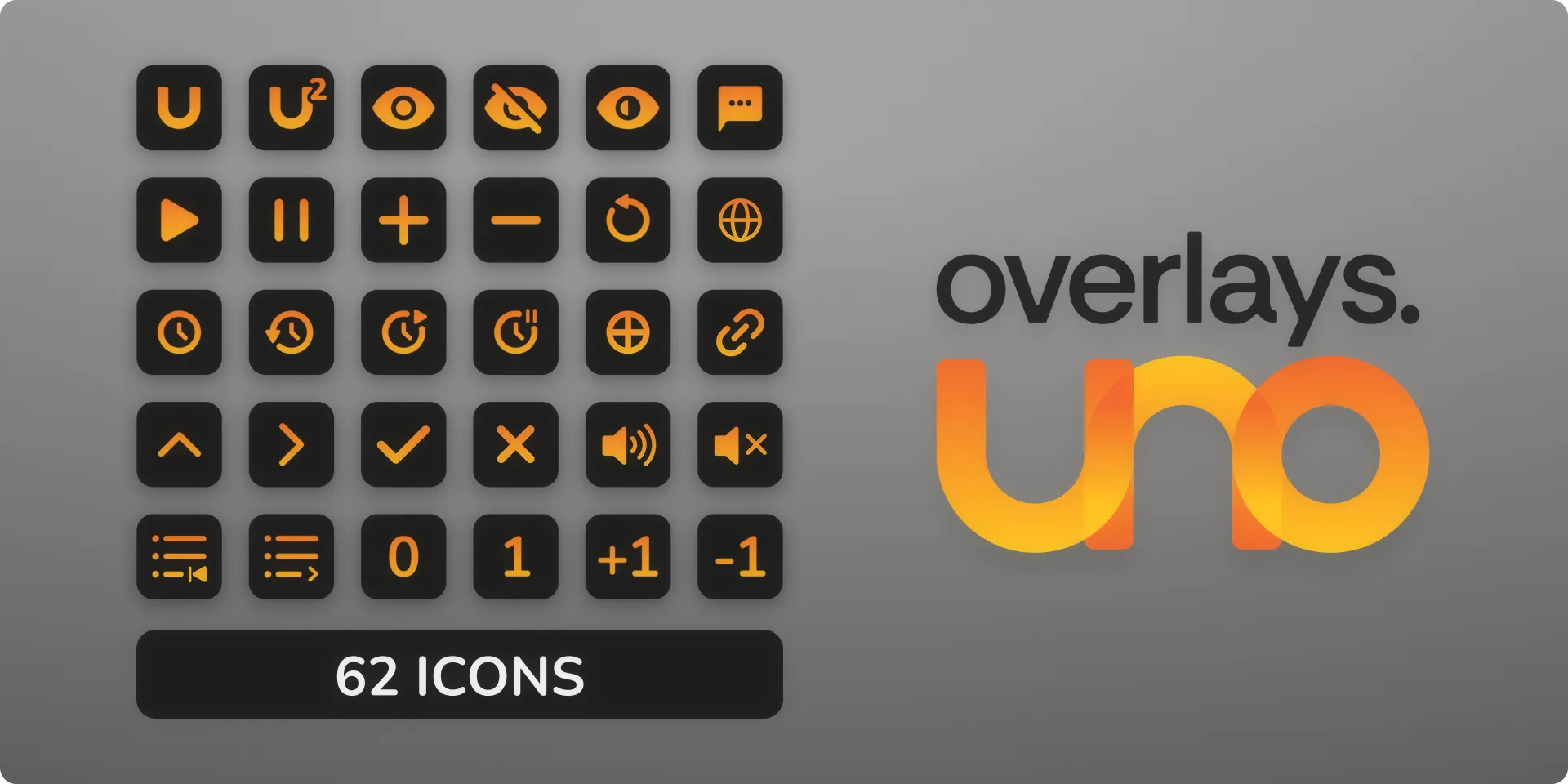
Upgrading is straightforward. You can find the plugin and a brand-new Icon Pack (featuring 62 custom icons) on the Elgato Marketplace.
For those worried about existing setups, version 2 is backwards compatible. You can keep your version 1 buttons running alongside the new dial features without any issues.
Ready to upgrade your stream? You can watch the full tutorial and grab the download links at the Overlays.uno YouTube Channel.