
Resources
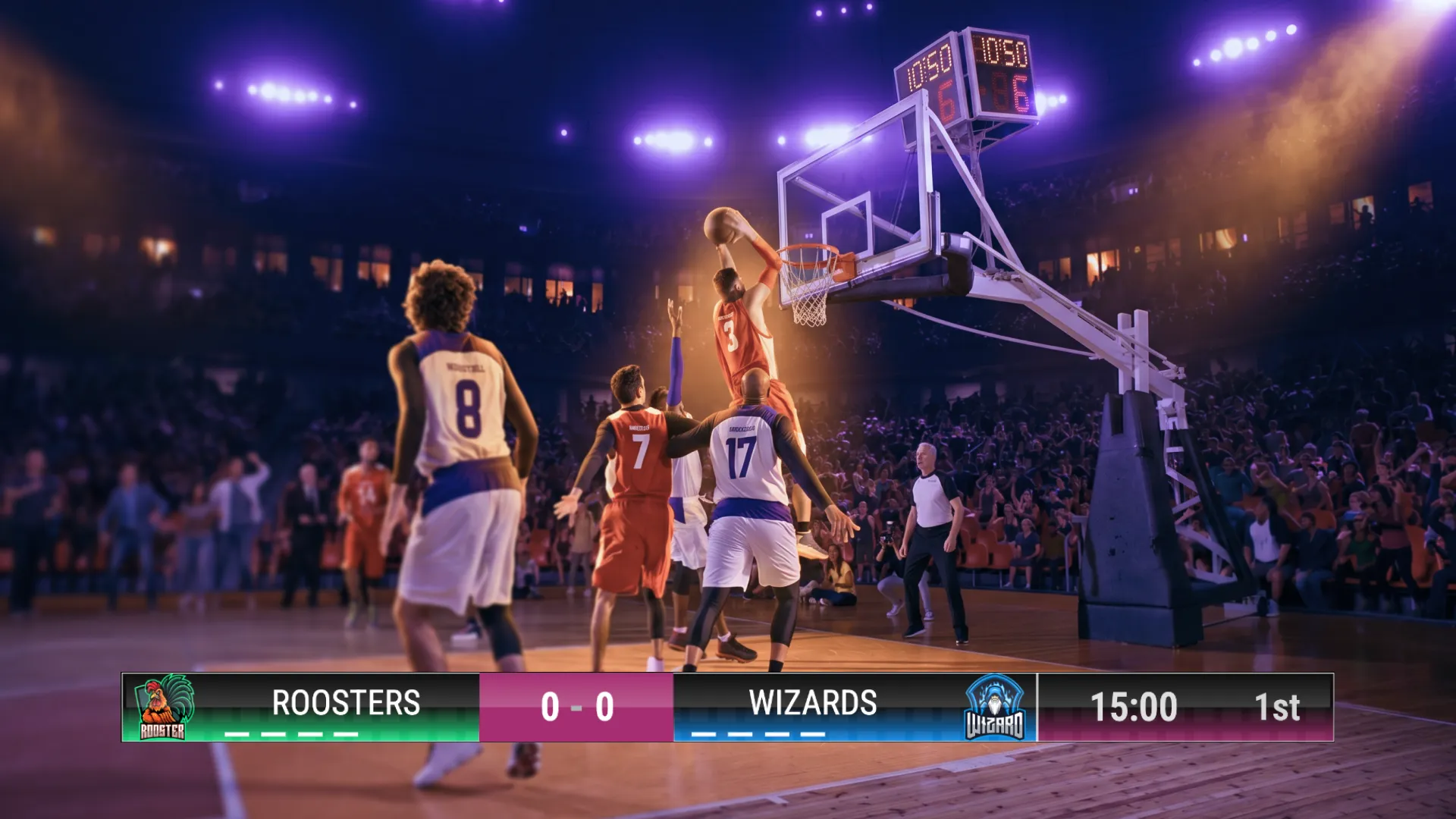
If you’ve ever watched a professional sports broadcast, you’ve seen how real-time data transforms a simple video into a high-stakes narrative. While we’ve previously covered how to link overlays to Scorebird, we know many of you are looking for even more ways to bring live data into your production.
In this guide, we’ll show you how to connect Scoreboard OCR directly to your uno overlays, ensuring your fans stay updated with every tick of the clock.
Using real-time overlays is a major upgrade over static graphics. Instead of manually typing in scores while you are trying to commentate or manage a broadcast, data-driven overlays do the work for you.
Before you dive in, make sure you have your gear in order. You don't want to be halfway through a setup only to realize you're missing a key component.

The process is designed to be as effortless as adding a browser source to OBS.
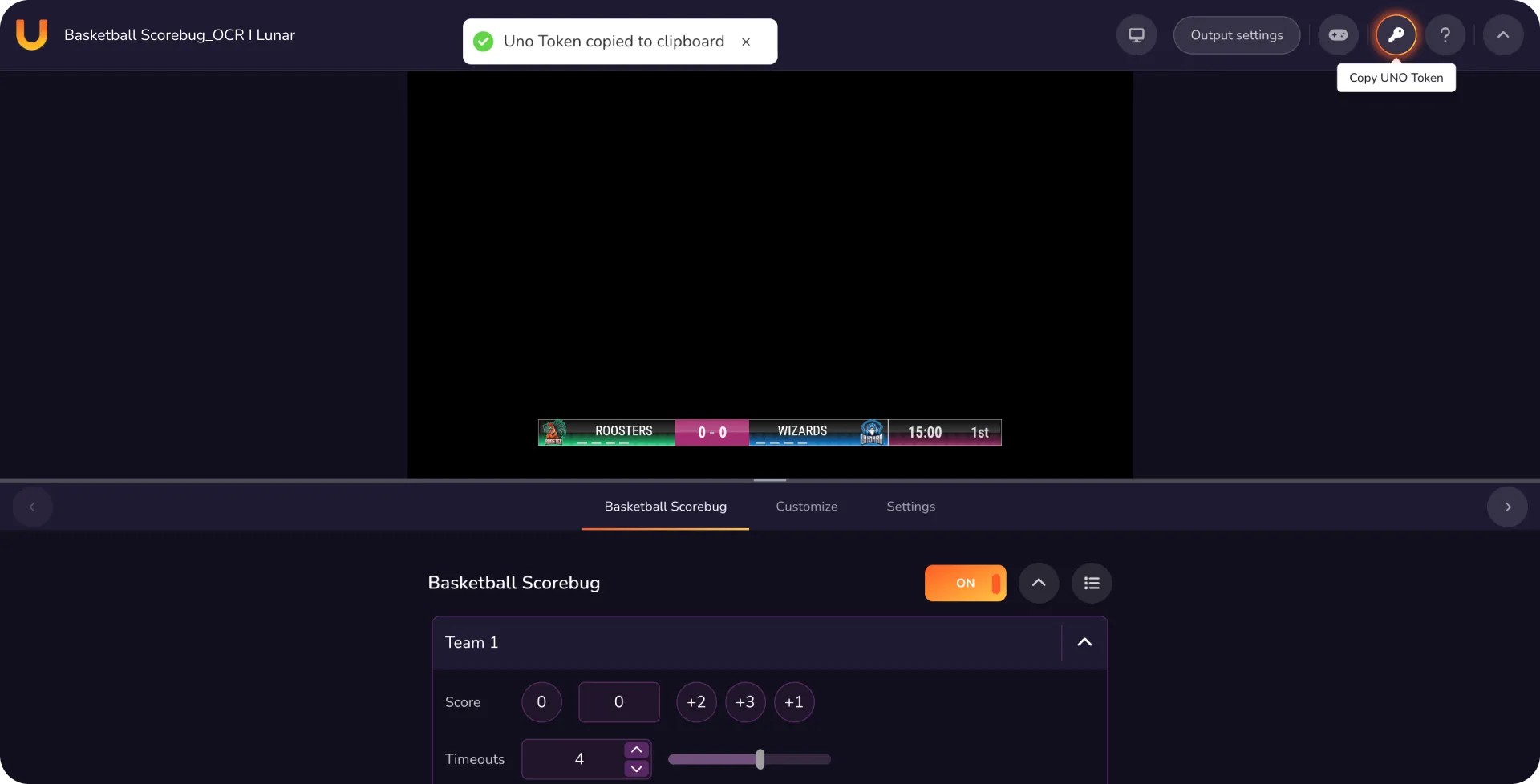
Open your desired overlay in Control Mode on the uno website. In the upper right-hand corner, click the Key icon to copy your unique access token.

Open Scoreboard OCR and navigate to the output options:
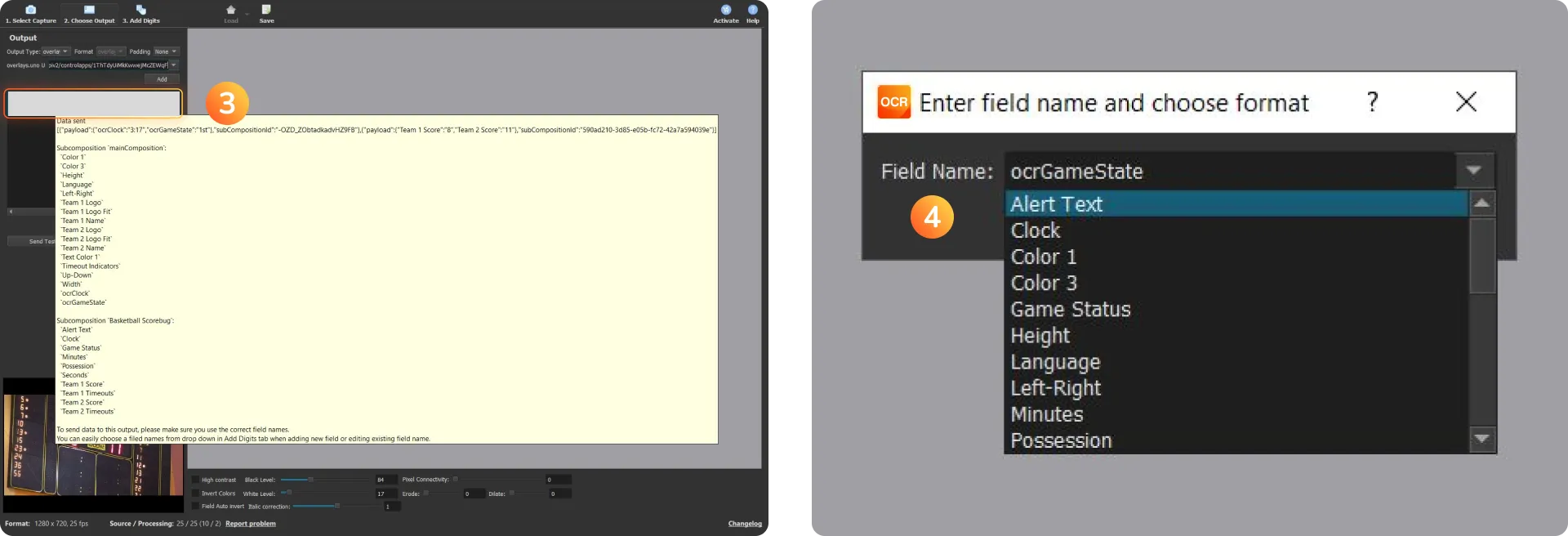
Once the output status turns green, you're cooking with gas! Use your mouse to hover over the output to see which field names are being sent. It is crucial to use the exact same field names in Scoreboard OCR as those defined in your uno overlay (e.g., "Team 1 Score"). You can select these easily from the drop-down box when adding or editing fields.
The "Basketball Problem": Standard uno Plus accounts support updates 60 times per second. However, basketball clocks in the final minute often update 600 times per second (1/10th of a second intervals). This will exceed the rate limit.
The Fix: Use a custom script within Scoreboard OCR to convert the Time (mm:ss, ss:d) field back to a standard Time (mm:ss) format. This keeps your data clean and your connection stable.
If you find it overwhelming to manage data feeds and your stream at the same time, remember that you can control uno overlays from a mobile device or a Stream Deck. Programming a Stream Deck key to toggle your scoreboard can save you from a lot of mid-game stress.

By integrating Scoreboard OCR, you're not just showing a score; you're telling a story. If you're still feeling stuck or want to see how other pros are setting up their sports broadcasts, join us over on the uno Discord to chat with our community.
Check out our library of free and professional sports overlays today!
Looking for more ways to earn? Check out our Affiliate Program and earn rewards for recommending the tools you love!